SMS Verification OTP: Complete Guide for 2026
Learn how SMS verification OTP works, why it matters for security, and how virtual numbers protect your privacy during any online sign-up in 2026.
Iacopo Bonandi, Founder & CEO
June 7, 2026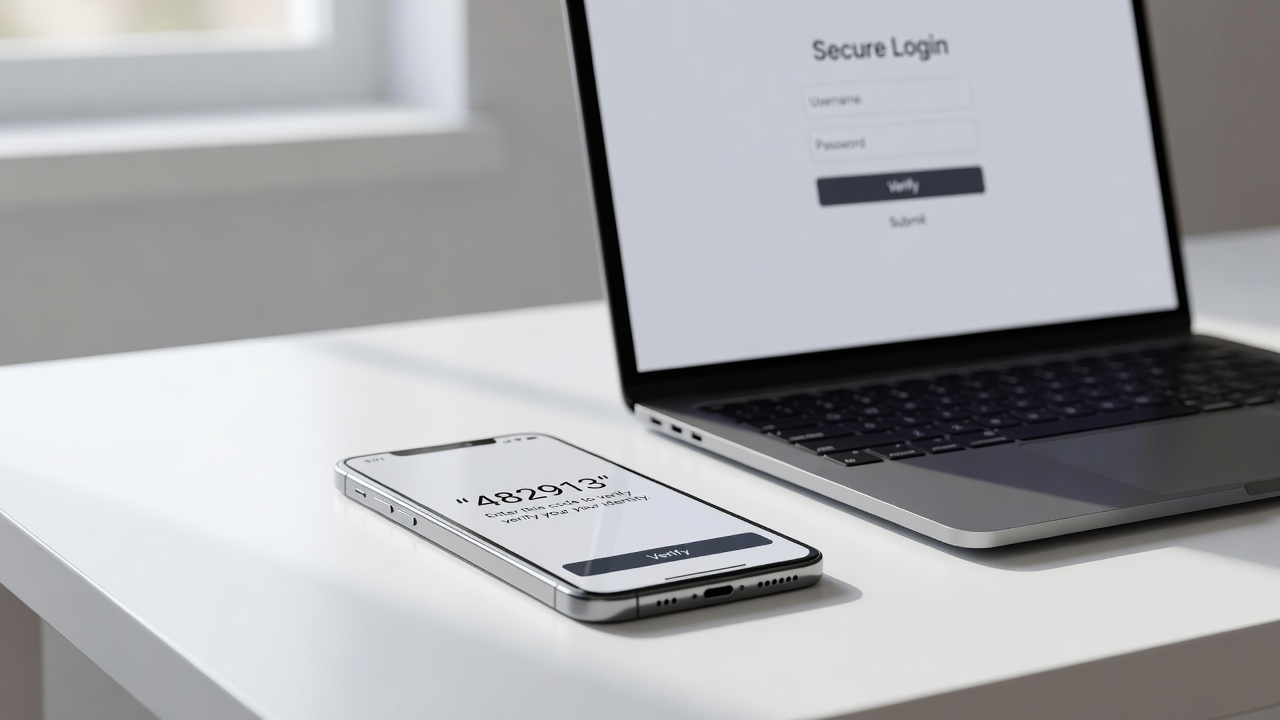
What Is SMS Verification OTP and Why Does It Matter?
SMS verification OTP (One-Time Password) has become the backbone of digital identity confirmation. Whether you're creating a new account on a social platform, completing a banking transaction, or logging into a work system, a one-time code delivered to your phone is now almost universally expected. In 2026, billions of OTP messages are sent every day, making this simple six-digit code one of the most consequential pieces of text in modern digital life.
Understanding how OTP verification works—and how to navigate it smartly without sacrificing your privacy—can save you from data leaks, unwanted marketing, and even identity theft.
How SMS OTP Verification Actually Works
At its core, the SMS OTP flow is straightforward:
- You enter your phone number on a website or app.
- The platform's back-end system generates a short, time-limited numeric (or alphanumeric) code.
- That code is sent via an SMS gateway to your number.
- You type the code back into the form within the allowed window (usually 5–10 minutes).
- The server confirms the code matches and grants access or completes registration.
The security value comes from two factors: something you know (your password) and something you have (your phone). This is the foundation of two-factor authentication (2FA). According to NIST Special Publication 800-63B, SMS OTP is classified as a restricted authenticator due to the risk of SIM-swapping, but it remains far superior to password-only authentication for most consumer use cases.
OTP vs. TOTP: What's the Difference?
- OTP (One-Time Password via SMS): Generated server-side, delivered over the cellular network. Expires after a short window or single use.
- TOTP (Time-Based One-Time Password): Generated client-side by an authenticator app (e.g., Google Authenticator) using a shared secret and the current timestamp. No SMS required.
For most online sign-ups and account verifications, SMS OTP remains the dominant method because it requires no app installation and works on any mobile device globally.
The Privacy Problem with SMS Verification
Every time you hand over your personal phone number to a new service, you're creating a digital trail. Platforms collect your number, associate it with your behavior, and sometimes sell or expose that data. Spam calls, targeted advertising, and data breaches are direct consequences.
This is where virtual and temporary phone numbers become essential tools. A virtual number receives SMS just like a regular SIM-based number, but it isn't tied to your physical device or personal identity. You use it to complete the OTP flow, and your real number stays private.
If you want a deeper look at how virtual numbers fit into the verification ecosystem, the guide on virtual phone numbers for SMS verification covers the full landscape of options available today.
When to Use a Temporary Number for OTP Verification
Not every situation calls for a permanent virtual number. Sometimes you simply need a number once—to verify a marketplace account, test a new app, or sign up for a free trial without commitment. A temporary phone number is purpose-built for exactly these moments.
Key scenarios where temporary numbers shine:
- Free-trial sign-ups where you don't want recurring contact
- Testing web services or APIs without burning personal credentials
- Regional service access when a platform requires a local number from a specific country
- One-off community or forum registrations
For a practical breakdown of exactly how to deploy these numbers, the temporary phone number for SMS verification guide walks through the process step by step.
What About Shared Public Numbers?
Some services offer publicly accessible numbers where anyone can view incoming SMS messages. These work for low-stakes verifications (test accounts, throwaway sign-ups) but should never be used for anything sensitive. Because the inbox is public, anyone else could intercept your OTP before you do.
For genuine privacy, always use a private virtual number assigned exclusively to you.
SMS OTP Limitations and Known Attack Vectors
SMS-based OTP is practical but not impenetrable. Security professionals and regulators have documented several weaknesses:
SIM Swapping
An attacker convinces your carrier to transfer your number to a SIM they control. All incoming OTPs then go to the attacker. This is the most serious threat to SMS-based 2FA.
SS7 Protocol Vulnerabilities
The Signaling System No. 7 (SS7) is a set of telephony protocols dating back to 1975 that underlies global SMS routing. Known flaws allow sophisticated attackers to intercept SMS messages in transit, though such attacks require significant resources and are typically not used against ordinary consumers.
Phishing and Real-Time Relay Attacks
Phishing sites can capture OTPs in real time by relaying them to the legitimate service before the code expires.
Mitigation strategies:
- Use app-based TOTP (authenticator apps) wherever available for high-value accounts.
- For privacy-focused registrations, use a private virtual number rather than your personal SIM.
- Never share an OTP with anyone who contacts you—legitimate services never ask.
Choosing the Right Virtual Number for SMS Verification
Not all virtual number providers support SMS reception, and those that do vary widely in reliability. Here's what to evaluate:
| Factor | Why It Matters |
|---|---|
| Country coverage | Some platforms only accept numbers from specific countries |
| SMS delivery speed | OTPs expire; slow delivery means failed verification |
| Number exclusivity | Private numbers prevent code interception |
| Platform compatibility | Some services block known VoIP number ranges |
| Retention period | How long the number remains active after purchase |
If you're selecting a provider for broader, cross-border use, the guide on choosing a global SMS verification service provides a structured framework for making the right call.
For situations where you want to receive the OTP immediately without any setup friction, the receive SMS online: fast & private verification resource explains how browser-based SMS reception can work in practice.
Developers: Integrating SMS OTP into Your Own Platform
If you're building a product that requires phone verification, you'll be working with a phone verification API. These APIs handle the OTP generation, SMS dispatch, and code validation lifecycle so you don't have to manage carrier relationships directly.
Core considerations for developers:
- Rate limiting: Prevent abuse by limiting OTP requests per number per time window.
- Code expiry: Standard practice is 5–10 minutes; shorter windows improve security.
- Fallback methods: Offer voice OTP for users who cannot receive SMS.
- Fraud signals: Many APIs provide risk scoring on phone numbers before sending.
For a detailed look at what these APIs solve beyond basic verification, what a programmable phone verification API solves covers fraud prevention, global reach, and conversion optimization.
SMS OTP for Specific Platforms: Edge Cases
Some of the most common verification friction points arise with major consumer platforms. WhatsApp, Telegram, and similar apps have specific behaviors around SMS OTP that catch users off guard—particularly when using virtual numbers. If you've experienced failures with WhatsApp's verification, understanding why WhatsApp verification code SMS fails explains the technical and policy reasons behind those blocks.
FAQ: SMS Verification OTP
What is an OTP in SMS verification?
An OTP (One-Time Password) in SMS verification is a temporary numeric or alphanumeric code sent to a phone number via text message. It is valid for a single use and expires within a short time window—typically 5 to 10 minutes. Its purpose is to confirm that the person registering or logging in actually has access to the phone number they provided.
Can I use a virtual number to receive OTP codes?
Yes. Virtual phone numbers can receive SMS messages, including OTP codes, in the same way a physical SIM-based number can. The key requirement is that your provider supports inbound SMS and that the target platform does not explicitly block VoIP or virtual number ranges. Private virtual numbers—where the inbox is not shared publicly—are the safest option.
Is SMS OTP secure enough for 2FA?
SMS OTP provides meaningful security improvement over passwords alone, but it is considered a weaker form of two-factor authentication compared to app-based TOTP or hardware security keys. For most everyday consumer accounts, SMS OTP offers a practical balance of security and convenience. For high-value accounts—banking, primary email, crypto—an authenticator app or hardware key is strongly recommended where available.
Start Receiving OTPs Privately Today
Whether you need a one-time number for a quick sign-up or a reliable long-term virtual number for ongoing verifications across multiple platforms, having the right tool makes all the difference. Stop handing your personal phone number to every service that asks. Visit VoIPStore.xyz to browse available virtual and temporary phone numbers, choose your country, and start receiving SMS verification OTP codes privately and instantly.
Ready to receive a verification code on a real mobile number?
Browse services